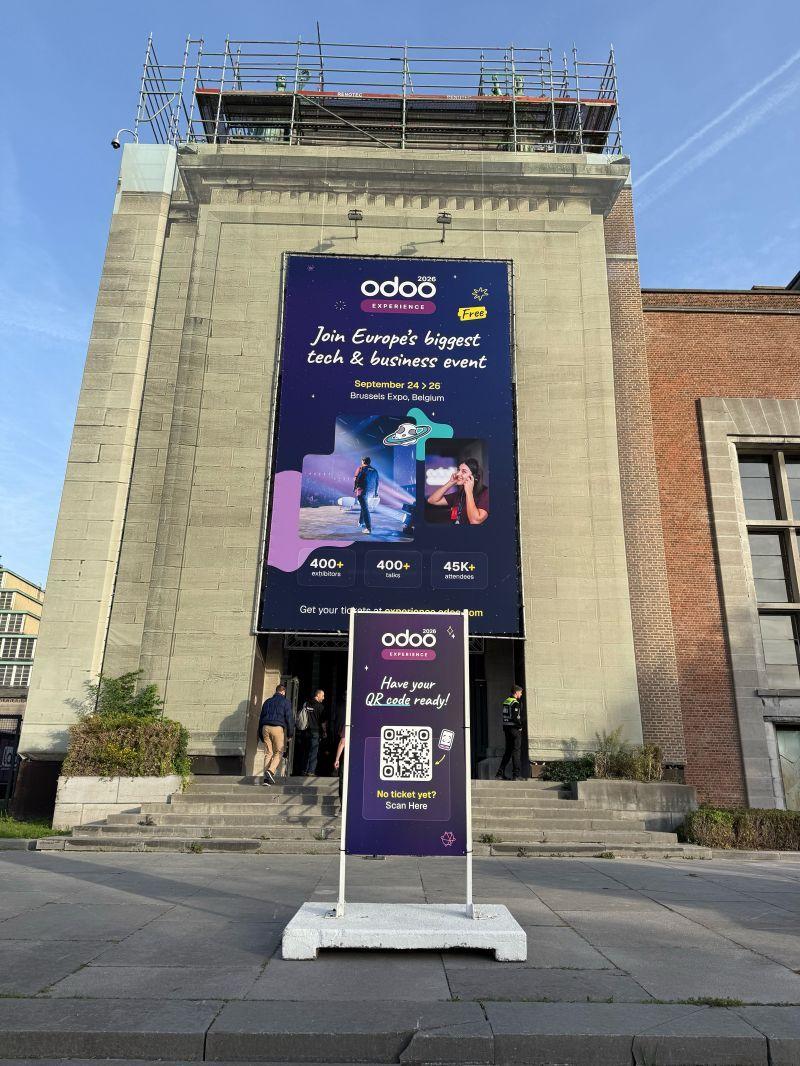
From 24 to 26 September, Brussels hosted three days of Odoo users, partners, developers and companies from across the Odoo ecosystem. Self-ERP team was there too. We met attendees and people from across the ecosystem, and we watched the new release being presented in person.
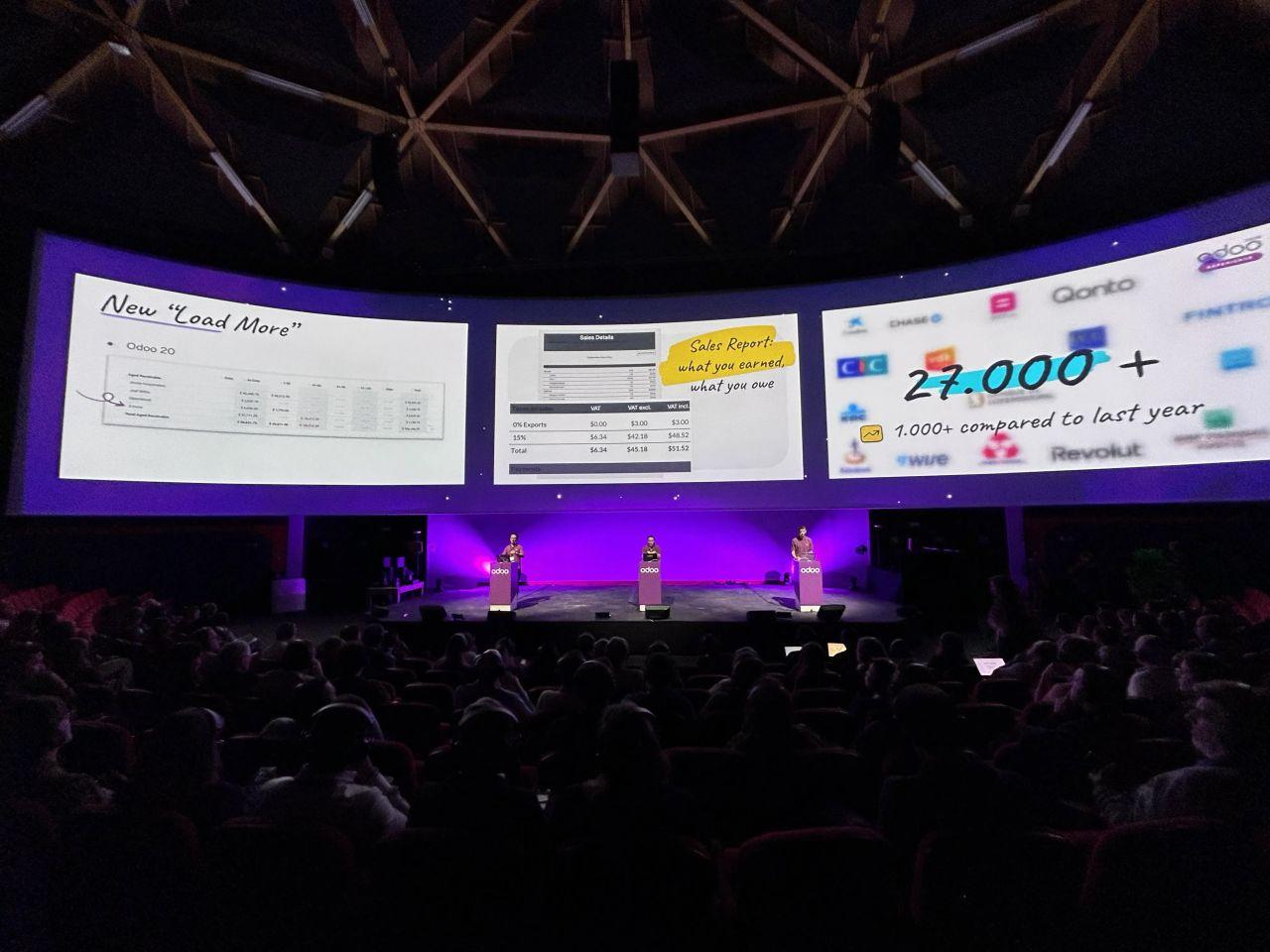
This year's conference brought together more than 45,000 attendees from over 110 countries, with more than 400 talks and 400 exhibitors. The programme went beyond working with Odoo, development and implementation, and also covered management, entrepreneurship and business growth.
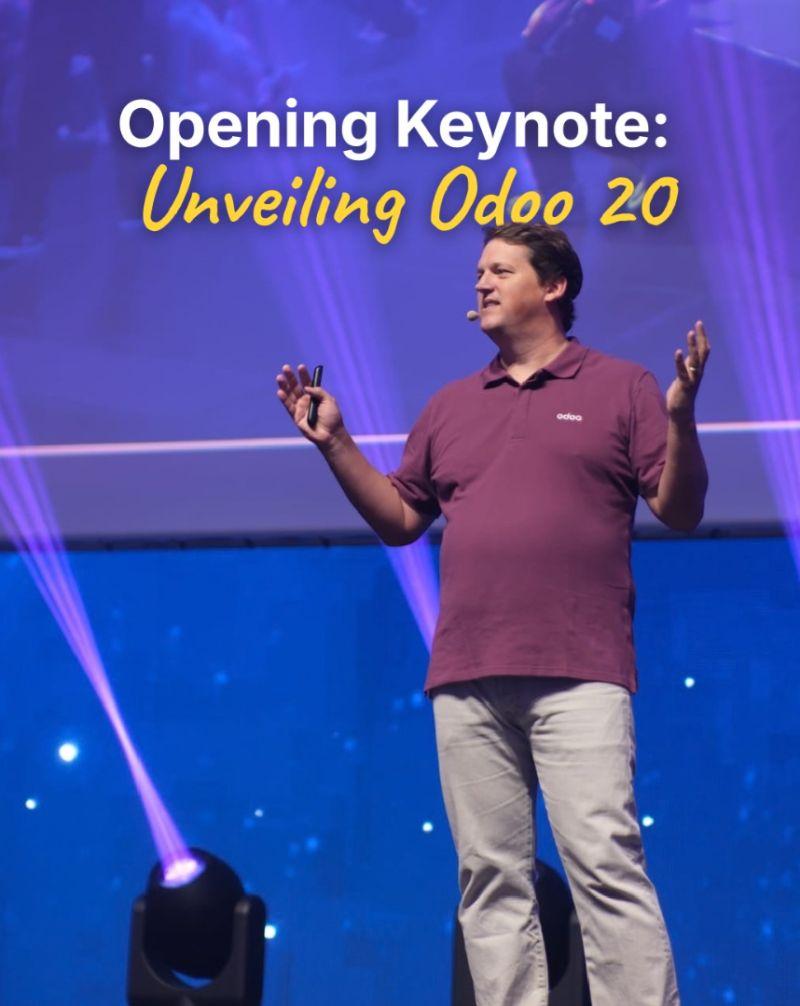
The main product moment was the launch of Odoo 20, presented by Odoo founder and CEO Fabien Pinckaers during the opening keynote on 24 September.
For Self-ERP team, the event was a chance to see the new release against the wider direction of the platform. We could also discuss the changes with people who run Odoo in different countries and business scenarios.
Where Odoo 20 is heading?
Odoo 20 develops along two parallel lines.
The first is deeper use of AI in day-to-day processes. AI is moving beyond helping to generate content and is starting to carry out actions inside the ERP.
The second is simplifying certain scenarios for companies that don't need a complex system setup. For example, eCommerce and Point of Sale can now run without the full Inventory app, and stock quantities and values can be tracked without setting up full warehouse operations.
For existing users, Odoo 20 also brings structural changes to Accounting, Payroll, access rights, Field Service and field history tracking. If your database is customised, start any upgrade with a compatibility check.
"AI understands practically everything in your system. Even if you add your own modules, fields or records, it analyses the database structure and all your customisations. Instead of just calculating something and returning a static table, it opens a separate view you can work with. You can change the period, add data, or break the result down by salesperson or team. So the AI stays dynamic. You don't just get an answer, you can actually work with the data."

Find out more about ERP in the article What is an ERP system and how does it work?
How AI agents change day-to-day operations in Odoo?
AI agents are one of the most visible themes in Odoo 20. Users can describe a task in plain language and give an agent access to the tools it needs in the system. The agent can retrieve data, search for records, create or update them, and carry out a sequence of actions within the permissions it has been given.
Some of these capabilities existed before. In Odoo 20, though, agents have become one of the main directions for automation. They can also be part of automated or scheduled processes.
For businesses, this means a gradual move away from scenarios where every step has to be configured in advance. Instead, a task can be written as an instruction and handed to AI within defined rules.
AI is also spreading across individual apps. Website Assistant works with pages, forms and menus. In eCommerce, AI handles product images and product data. Documents uses it to rename files, and Marketing Automation and Social Marketing use it to prepare campaigns and content.
When planning these scenarios, keep the pricing model in mind. AI features run on IAP credits, which are purchased separately. AI automation should therefore be assessed together with expected usage and cost.
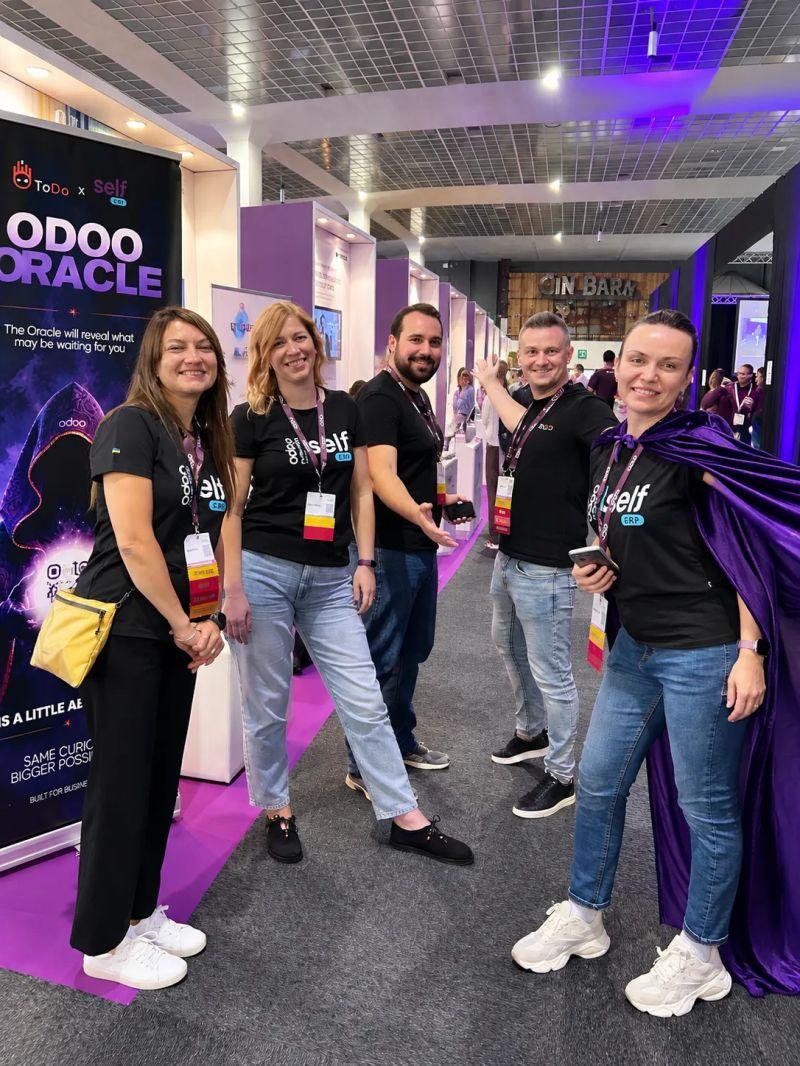
Self-ERP team in Odoo Experience 2026
We also recommend to read Generative AI in ERP: How Enterprise Systems Become the Operational Brain of the Business
What's New for Finance Teams?
In finance, Odoo 20 focuses mainly on automating data entry, banking and payments. The system can predict vendor bill lines based on past transactions and the text of the document, suggesting the product, account, tax, analytic distribution and vehicle. This removes some of the manual input in routine document processing.
With PISP (Payment Initiation Service Provider) support, vendor bills can be paid directly from Odoo, either individually or in batches with a single approval. Bank accounting controls are also tighter. Entries that affect bank accounts must come from bank transactions, and cash journals use entry hashing after reconciliation.
Sales and CRM: More Flexibility at the Deal Level
In Sales, Odoo 20 adds more flexibility while a deal is being processed. An order line can be created from a description, without first setting up a separate product record. For companies whose sales don't always map to a standard product catalogue, this removes an unnecessary step. Selecting a product can still be made mandatory if needed.
Margins can now be edited directly on the order line, and commissions can be calculated on payments actually received. Employees' results can also count towards their managers' commissions.
Another practical change is the option to switch between Tax Included and Tax Excluded on an individual quotation, sales order, purchase order or invoice.
In CRM, switching between different sales teams' pipelines is faster. From a lead, users can open the customer's active subscriptions and prepare an upsell or renewal quotation.
Learn more about Odoo Online vs. Odoo.sh: Choosing the Right Cloud Architecture for Your Business
What manufacturing updates in Odoo 20?
For manufacturers, one notable change concerns how products move between stages. In Odoo 20, you no longer have to wait for the whole batch to be finished before moving on to the next operation. The quantity produced can be recorded directly on the work order, and the next stage can start as soon as part of the output is ready.
This matters most in flow production, where operations run in sequence and waiting for a full batch causes idle time.
Work orders now also have Kanban and Gantt views. In Gantt, operations can be scheduled by drag and drop, with employee workload visible. The Kanban view shows components, work centre, deadline and remaining time.
An unfinished manufacturing order can be split, and a confirmed or cancelled MO can be reset to draft.
It would be useful to read Top Odoo Tools for Manufacturing
Leaner Stock Tracking, Smarter Replenishment
Another direction in Odoo 20 is reducing complexity for companies with relatively simple stock tracking. eCommerce and Point of Sale can run without the full Inventory app. In this setup, the system keeps a single on-hand quantity per product, with no need to create stock moves. Sales order fulfillment can also be handled without a separate inventory module.
For companies with full warehouse operations, inventory keeps evolving. Odoo can recommend min/max values for replenishment rules based on demand history, the target number of days of stock and order frequency.
Purchase now includes a Vendor Quality Rate. When the expected delivery date changes, the system keeps the original date given by the vendor, which gives more data for assessing delivery reliability.
Inter-company flows, cost transfer between companies and retroactive COGS adjustment, for cases where the cost changes after shipment, have also been improved.
Structural changes in Odoo 20
System-level changes will need particular attention during migration. In Payroll, work entries and the Planning-Payroll integration have been removed, and work entry types have been merged with time off types. A test payroll run that generates payslips has been added, along with the option to model an employee's total cost starting from a target net salary.
Field Service now sits within Planning. Features include a technician map, customer locations taken into account during scheduling, equipment history, post-visit ratings and route calculation.
The access model has changed too. Access rights and record rules have been merged into a single mechanism, with the access domain defined directly in the access right. Custom access rules therefore need to be reviewed before migration.
The old tracking values mechanism has also been removed. If your company uses this data in custom reports or integrations, add it to the list of things to check.
Odoo 20 also introduces Offline Mode. Some work can continue during short internet outages, and changes sync with the system once the connection is back.
"We're announcing support for MCP, the Model Context Protocol, so AI can connect to Odoo from the outside. You can use Gemini, OpenAI or Claude Code, and they can interact with your system directly. All you need to do is provide your Odoo URL, and the AI can connect to the system in real time. Working with AI is no longer limited to the tools built into Odoo. External AI systems can also work with Odoo data through this integration layer."
Key takeaways from Odoo Experience 2026
After Odoo Experience 2026, the platform's direction looks fairly clear. AI is gradually being built into operational processes and automation, while Odoo is making certain business scenarios simpler for companies that don't need the full complexity of an ERP.
For existing Odoo users, the other side of the release matters just as much. Changes to accounting, Payroll, Field Service, access rights and field history can affect custom solutions and integrations. Moving to Odoo 20 should therefore be judged by how well your current configuration will carry over, as well as by the list of new features.
The Self-ERP team will keep analysing Odoo 20 and how it applies in real projects once the new version is released.
Should You Upgrade to Odoo 20? Fill out the form below.
